

Zanus AI Pricing Breakdown: Is This Private Enterprise AI Worth the Cost? (2027)
If you have been searching for Zanus AI pricing and hitting a wall — you are not alone.…
Read →Most “free” AI video generators in 2026 are free in name only — you get 3 watermarked clips, a 7-day trial, and a paywall. This guide cuts through that. We tested 10 tools with real free tiers, documented exactly what you get without paying, and ranked them by what actually matters: output quality, free limits, watermark policy, and whether the tool is genuinely useful before you spend a cent.
Quick Answer: Google Veo 3 delivers the best raw quality on a free tier. Luma Dream Machine gives the most generous free credits (30/month, no watermark). HeyGen is the best free option for talking-head and avatar videos. Kling AI is the best for daily-refresh free credits.
Before the list, here’s the framework we used to evaluate each tool:
Free tier: Rate-limited access via Google AI Studio + 10 free generations/month in Google Vids Watermark: No watermark on AI Studio outputs Max resolution: 1080p (4K on paid plans) Best for: Cinematic B-roll, realistic marketing visuals, nature and landscape scenes
Google Veo 3 is the most technically impressive free AI video generator available in 2026. It topped both the Image-to-Video and Text-to-Video leaderboards simultaneously — a first for any model. The standout feature is native audio generation: your clip comes back with ambient sound that matches the visual without any manual editing.
The free access model is different from most tools. Instead of a credit dump that expires, Google AI Studio is rate-limited — you can keep generating as long as you stay within the per-minute throttle. For creators making 3–5 clips per day, this is more practical than 50 one-time credits.
What you get free:
Limitations: No built-in editor, no avatars, no templates. This is a generation engine — you get the clip and handle editing elsewhere.
👉 Try Google Veo 3 via Google AI Studio
Free tier: 30 video generations/month Watermark: No watermark on standard-quality outputs Max resolution: 720p (standard free), 1080p on paid Best for: Image-to-video animation, natural camera motion, social media content
Luma Dream Machine offers the most generous free tier of any serious AI video generator in 2026: 30 generations per month with no watermark. That’s enough for a consistent content calendar without paying anything.
Quality sits in the mid-range — not matching Veo 3 at the top, but well above basic generators. The image-to-video mode is particularly strong: drop in a still photo and Luma animates it with natural, physics-aware motion. For creators who want volume without a watermark, this is the go-to free option.
What you get free:
Limitations: Maximum 5-second clips on free tier. Quality drops on complex multi-subject scenes.
👉 Try Luma Dream Machine
Free tier: ~66 credits/day (refreshes daily) Watermark: Yes on free exports Max resolution: 1080p Best for: High-motion scenes, human movement, image-to-video, longer clips
Kling AI 3.0 is the best choice if your workflow involves image-to-video or scenes with complex human motion. The daily credit refresh means a patient creator can produce a meaningful amount of content without ever paying — just spread your generations across days.
The 3.0 model handles longer shots and complex motion better than most competitors. Face consistency across frames is strong, and body physics look natural even in action sequences.
What you get free:
Limitations: Watermark on free exports. Queue times can be long during peak hours.
👉 Try Kling AI 3.0
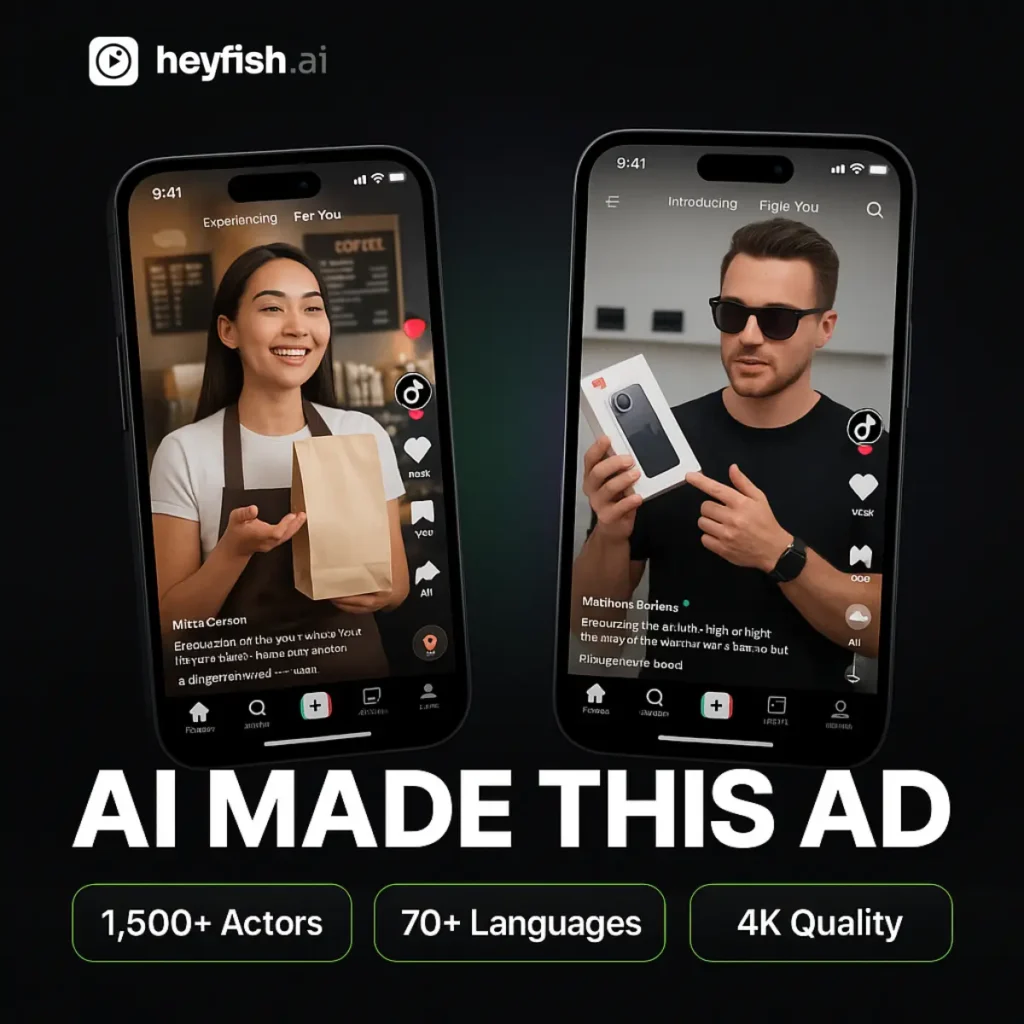
Free tier: 3 videos/month, 3-minute max per video Watermark: Yes on free tier Max resolution: 720p (free), 1080p+ on paid Best for: Presenter-led videos, lip-sync translation, multilingual marketing
HeyGen is in a different category from the other tools on this list. While Veo and Kling generate cinematic clips from prompts, HeyGen gives you a full production studio for talking-head videos. The free plan includes access to 1,100+ stock avatars, voice cloning, and lip-sync in 175+ languages.
The Video Agent feature (launched late 2025) is the standout: type a product brief and receive a fully edited 2-minute video in under 5 minutes — script, avatar, B-roll, transitions, and voiceover included. No other free tool automates the full pipeline like this.
What you get free:
Limitations: Only 3 videos/month. Watermark on free outputs. Not suitable for cinematic or generative video.
👉 Try HeyGen — See our full HeyGen review on HeloAITools →
Free tier: Several free generations/day (varies by region) Watermark: Yes Max resolution: 1080p Best for: Cinematic short clips, human motion, experimental generation
Hailuo AI, the international version of MiniMax’s video model, is one of the most underrated free options in 2026. The MiniMax H3 model produces genuinely cinematic short clips with strong human motion and face consistency. Daily free credits make it practical for regular testing.
What you get free:
Limitations: Watermark on free exports. Free credit count varies by region and can change without notice.
👉 Try Hailuo AI — See our full Hailuo AI review →
Free tier: ~150 credits/month + daily refresh Watermark: Yes on free tier Max resolution: 1080p Best for: Stylized content, creative effects, fast iteration, social media clips
Pika 2.5 is the best free option when you want artistic, stylized output rather than photorealistic video. The creative effects toolkit is unmatched at this price point — you can apply specific visual styles, add motion effects, and iterate quickly. The monthly credit refresh plus daily top-up makes the free tier more usable than it first appears.
What you get free:
Limitations: Watermark on free exports. Free plan is closer to a demo tier for heavy users.
👉 Try Pika 2.5
Free tier: Unlimited basic AI generation (desktop app) Watermark: No watermark on desktop exports (free) Max resolution: Up to 4K on desktop (free) Best for: TikTok, Instagram Reels, YouTube Shorts creators
CapCut is the only tool on this list that combines AI video generation with a full editing suite — and exports without a watermark on the free desktop tier. For short-form social media creators, that alone makes it essential.
The AI generation quality is modest compared to dedicated generators like Veo or Kling, but the editing integration saves significant time. You can generate a clip, trim it, add captions, apply effects, and export in a single workflow — all for free.
What you get free:
Limitations: AI generation quality lags behind dedicated tools. Some advanced features require Pro. Owned by ByteDance — data privacy consideration for enterprise users.
👉 Try CapCut
Free tier: 10 minutes of video export/week (with watermark) Watermark: Yes on free tier Max resolution: 1080p Best for: Faceless videos, narrated explainers, beginners who want full videos (not just clips)
InVideo AI takes a different approach: instead of generating raw clips, it assembles complete edited videos from a text prompt using stock footage, AI-generated clips, voiceover, and captions. The recent integration with Google Veo 3.1 added genuine text-to-video generation to the workflow.
For beginners who want a finished, publishable video rather than a raw clip to edit, InVideo AI is the easiest starting point. The learning curve is minimal — type a prompt, choose a style, and export.
What you get free:
Limitations: Watermark on free exports. Stock-heavy output can feel generic. Weekly limit is restrictive for regular creators.
👉 Try InVideo AI — See our full InVideo AI review →
Free tier: 10 free generations/day Watermark: Yes on free tier Max resolution: 1080p Best for: Fast iteration, quick concept testing, creators who need results in under a minute
Seedance 2.0 (by ByteDance) is the speed champion of AI video generation in 2026. While most generators take 1–3 minutes per clip, Seedance returns results in roughly 30 seconds at comparable quality. The 2.0 release added native lip-sync and audio support, making it a more complete tool.
For creators who need to test multiple concepts quickly, the 10 free generations per day with a daily refresh is genuinely useful.
What you get free:
Limitations: Watermark on free exports. Occasionally struggles with fine hand details. Some content filters are overly aggressive.
👉 Try Seedance 2.0
Free tier: Free testing path (varies by account) Watermark: Varies Max resolution: 1080p Best for: Multi-shot generation, cinematic control, testing across text-to-video and image-to-video
PixVerse V6 is the best free option for creators who need to test multiple shot types in one workflow. It supports text-to-video, image-to-video, transition generation, video extension, reference-to-video, and audio — all in clips from 1 to 15 seconds. The free testing path lets you evaluate the tool across your actual use case before committing.
What you get free:
Limitations: Free access terms vary by account and region. Check current limits on signup.
👉 Try PixVerse V6 — See our full PixVerse review →
| Tool | Free Credits | Watermark | Best For | Max Resolution |
|---|---|---|---|---|
| Google Veo 3 | Rate-limited + 10/mo | ❌ No | Cinematic quality | 1080p |
| Luma Dream Machine | 30/month | ❌ No | Volume + no watermark | 720p |
| Kling AI 3.0 | ~66/day | ✅ Yes | Human motion, image-to-video | 1080p |
| HeyGen | 3/month | ✅ Yes | Talking avatars | 720p |
| Hailuo AI | Several/day | ✅ Yes | Cinematic short clips | 1080p |
| Pika 2.5 | ~150/mo + daily | ✅ Yes | Stylized creative clips | 1080p |
| CapCut | Unlimited basic | ❌ No (desktop) | Social media editing | 4K |
| InVideo AI | 10 min/week | ✅ Yes | Beginners, full videos | 1080p |
| Seedance 2.0 | 10/day | ✅ Yes | Speed, fast iteration | 1080p |
| PixVerse V6 | Varies | Varies | Multi-shot testing | 1080p |
Choose Google Veo 3 if output quality is your top priority and you don’t need an editor built in.
Choose Luma Dream Machine if you want the most free credits without a watermark — ideal for consistent social media content.
Choose Kling AI if you’re doing image-to-video work or need clips with realistic human motion.
Choose HeyGen if you need presenter-led or talking-head videos — nothing else comes close on the free tier.
Choose CapCut if you’re a TikTok/Reels/Shorts creator who wants generation + editing in one place with no watermark.
Choose InVideo AI if you’re a beginner who wants a complete, narrated video from a single text prompt.
Choose Seedance 2.0 if speed matters most and you need to iterate through concepts quickly.
If you’re ready to move beyond free tiers, the top paid options in 2026 are:
What is the best completely free AI video generator in 2026?
Luma Dream Machine offers the most generous free tier at 30 videos/month without watermarks on standard quality. For the highest quality output, Google Veo 3 via AI Studio delivers the best visual fidelity, though with more limited free generations.
Which free AI video generator has no watermark?
Google Veo 3 (via AI Studio), Luma Dream Machine (standard quality), and CapCut (desktop app) all offer watermark-free exports on their free tiers.
Can I use free AI video generators for commercial purposes?
It depends on the tool. Google Veo 3’s commercial licensing terms are still evolving. Luma Dream Machine and CapCut generally allow commercial use on free tiers, but always check the current terms of service before publishing commercially.
What is the fastest free AI video generator?
Seedance 2.0 generates clips in approximately 30 seconds — significantly faster than competitors that take 1–3 minutes per clip.
Is HeyGen free?
HeyGen has a free plan that includes 3 videos per month (3-minute max each) with full studio access, 1,100+ avatars, and 175+ language lip-sync. Outputs include a watermark on the free tier.
The best free AI video generator in 2026 depends entirely on your use case:
Start with the tool that matches your primary use case, test it on the free tier, and only upgrade when the limits genuinely hold you back.

If you have been searching for Zanus AI pricing and hitting a wall — you are not alone.…
Read →Searching “free AI video generator no watermark no sign up” usually turns up a wall of listicles promising…
Read →Three tools. Three completely different answers to the same question. The question is: what does “best AI video…
Read →