Professional online M3U8/HLS player — no download needed, instant playback
Last updated August 27, 2026
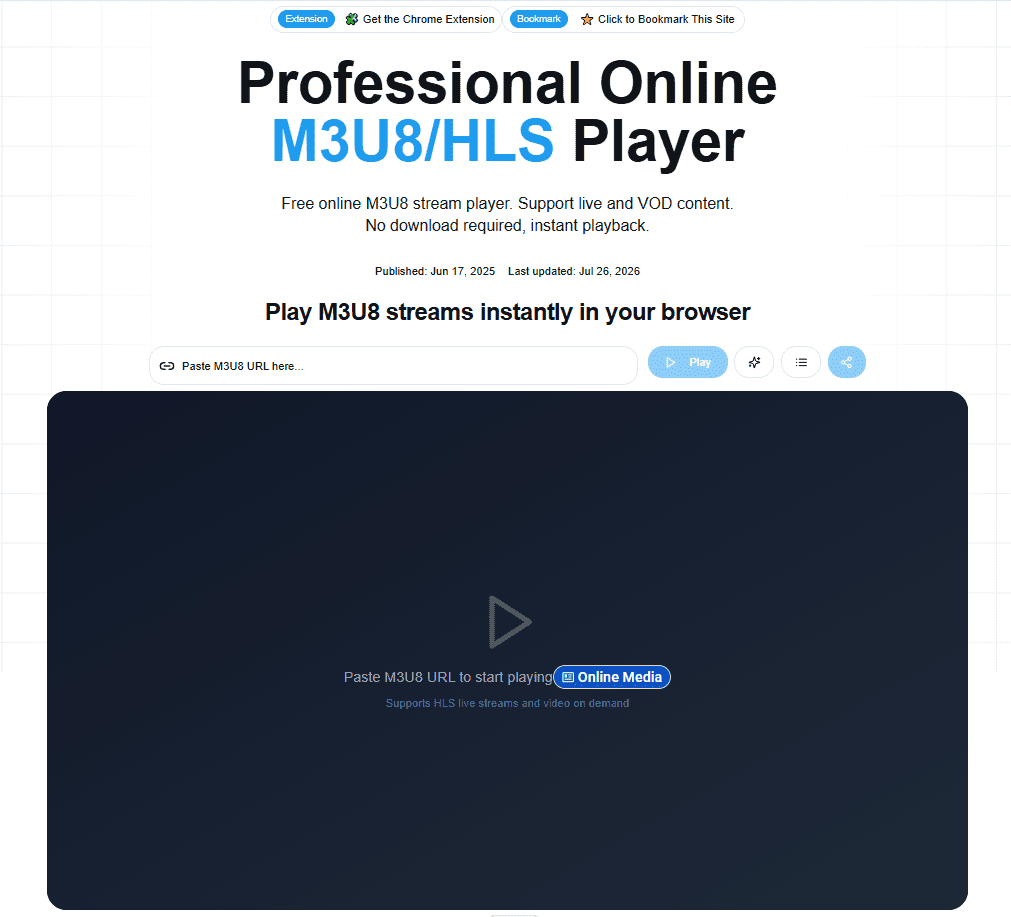
M3U8 Player is a free, browser-based player for M3U8 and HLS streams, supporting both live and video-on-demand content with no download or software installation required. It’s built around the practical needs of IPTV and playlist users — paste a stream URL and it plays instantly, with adaptive bitrate streaming to keep playback smooth on inconsistent connections.
Beyond basic playback, M3U8 Player includes a full playlist management workflow: organizing and clustering IPTV playlists by region (Japan, France, Arabic, Indonesian, Brazil, and more), a broken-channel checker, and cloud sync across browsers on paid plans. Additional tools cover the other side of the workflow too — an M3U8 downloader for saving streams locally, and an M3U8-to-MP4 converter for playing files in standard media players like VLC or MPV.
The free tier covers core playback and basic playlist tools; paid Pro plans add cloud-synced private TV feeds, daily automated channel health checks, and multi-format playlist export (M3U, M3U8, JSON, CSV) aimed at users managing larger IPTV playlists across multiple devices.
Pros
Cons
If you’re comparing M3U8 Player against other HLS/IPTV playback tools:
What is M3U8?
M3U8 is an HTTP-based streaming protocol widely used for live streaming and video-on-demand transmission, with full support for HLS (HTTP Live Streaming) and compatible with various streaming sources.
Is M3U8 Player free?
Yes. Core playback and basic playlist tools are free to use. Paid Pro plans add cloud sync, daily automated channel checks, private TV feeds, and multi-format export.
Why won’t my video play?
Common causes include an invalid or expired stream URL, a source that’s blocking cross-origin playback, or a temporarily offline stream. Check the URL directly and confirm the stream source is currently active before troubleshooting further.
Do I need to install any software?
No. M3U8 Player runs entirely in your browser — paste a stream URL and it plays instantly with no download or installation required.
Can I convert M3U8 streams to MP4?
Yes. M3U8 Player includes a dedicated M3U8-to-MP4 converter for saving streams in a standard format playable in other media players.
What is the difference between the Monthly, Yearly, and Lifetime plans?
All three unlock the same Pro feature set and limits (20 cloud playlists, 2,000 channels per playlist, 2,000 daily channel checks) — Yearly offers the best ongoing value at $3.25/month equivalent, while Lifetime is a one-time payment for those same personal Pro limits, not unlimited usage.
| Criteria | Rating |
|---|---|
| Accuracy & Reliability | ⭐ 4.3/5 |
| Ease of Use | ⭐ 4.6/5 |
| Features & Functionality | ⭐ 4.0/5 |
| Performance | ⭐ 4.2/5 |
| Customization | ⭐ 3.9/5 |
| Security & Privacy | ⭐ 3.8/5 |
| Customer Support | ⭐ 3.7/5 |
| Value for Money | ⭐ 4.4/5 |
| Integrations | ⭐3.5/5 |
Vance Video AI is an AI-powered video enhancement software designed to improve video quality using advanced machine learning…

CapCut is a powerful AI-powered video editing platform that helps creators produce professional-quality videos quickly and easily. Developed…
Topaz Video AI is a powerful AI-powered video enhancement software developed by Topaz Labs that helps creators improve…

Adobe Premiere Pro is a professional non-linear video editing application developed by Adobe and trusted by filmmakers, broadcasters,…

HitPaw VikPea is an AI-powered video enhancement software that restores, upscales, sharpens, and colorizes videos with just a…

GoEnhance AI is an all-in-one AI video and image enhancement platform that helps creators produce professional-quality content with…
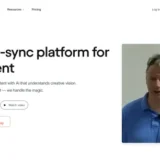
Deepshot AI is an AI-powered lip-sync and video localization platform that enables creators to edit spoken dialogue, translate…
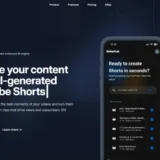
2short.ai is an AI-powered video repurposing platform that automatically transforms long-form videos into engaging short clips for YouTube…
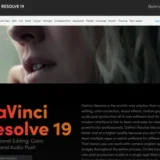
DaVinci Resolve is a professional all-in-one video editing, color grading, visual effects, motion graphics, and audio post-production software…

Videoleap is a powerful AI-powered video editing platform developed by Lightricks that makes professional video creation simple for…
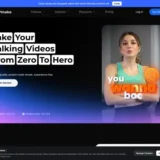
Vmake is an AI-powered video creation and enhancement platform built for creators, marketers, and businesses producing short-form videos.…

Vimeo AI is an AI-powered video creation and hosting platform that helps individuals, businesses, educators, and marketing teams…
