
10 Best AI Tools for Instagram Reels Content Creation (2027)
Instagram Reels is the most competitive short-form video format in 2027. Over 200 billion Reels are played every…
Read →If you sell on Etsy, you already know the problem.
Your product is great. Your design is solid. But your listing photos look flat, lifeless, or just like everyone else’s.
Professional mockup photography costs hundreds of dollars. Hiring a designer takes time you don’t have. And most mockup tools either watermark your images, charge a monthly fee, or require Photoshop skills you never learned.
In 2026, AI image generators have changed this completely.
You can now generate stunning, professional-quality Etsy product mockups in minutes — for free — without any design experience, without Photoshop, and without paying a single dollar.
This guide covers the 8 best free AI image generators for Etsy product mockups — tested with real Etsy product types, verified free tiers, and honest assessments of what each tool actually delivers.
Before jumping into the tools, here is what actually matters for Etsy mockups specifically:
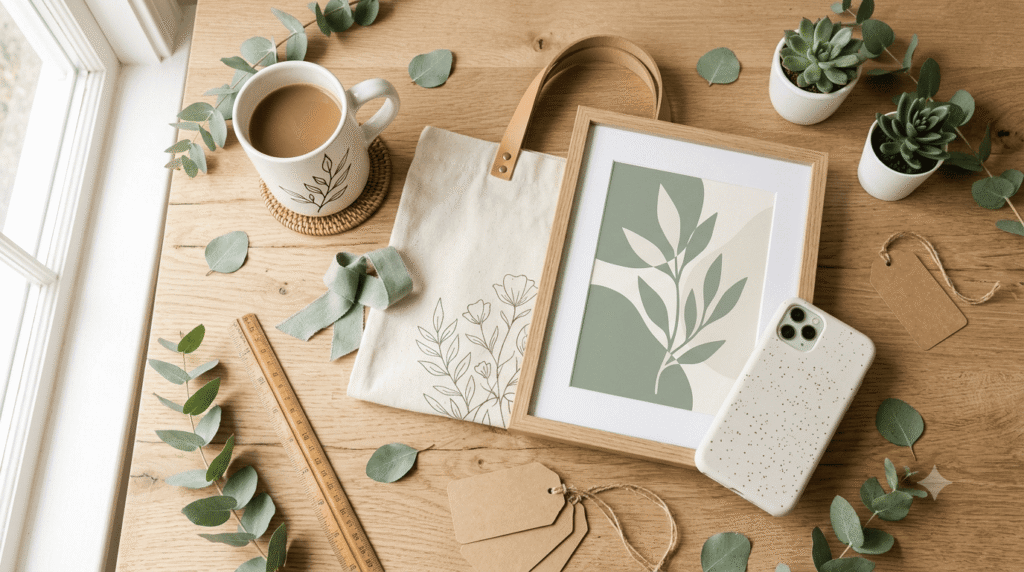
1. Lifestyle context — Etsy buyers respond to images that show products in real settings. A mug on a kitchen counter converts better than a mug on a white background.
2. Clean product placement — Your design needs to be clearly visible, not distorted or blurry.
3. No watermarks — Watermarked images cannot be used in Etsy listings. Every tool on this list delivers clean downloads on the free tier.
4. Correct aspect ratios — Etsy recommends 2000 x 2000px square images. Check that your tool exports at usable resolution.
5. Multiple variations — Testing different mockup styles helps identify which converts best. Tools that generate multiple options per prompt save significant time.
| Tool | Free Tier | Watermark | Best For | Etsy Ready |
|---|---|---|---|---|
| Leonardo.Ai | 150 tokens/day | ❌ None | T-shirts, wall art, apparel | ✅ Yes |
| Canva AI | 50 uses/month | ❌ None | Mugs, tote bags, stationery | ✅ Yes |
| Microsoft Designer | 15 boosts/day | ❌ None | Beginners, quick mockups | ✅ Yes |
| Adobe Firefly | 10 credits/month | ❌ None | Commercial-safe mockups | ✅ Yes |
| Craiyon | Unlimited | ❌ None | Ideation, concept testing | ⚠️ Low res |
| Pixlr AI | Limited/day | ❌ None | Edit + generate combined | ✅ Yes |
| NightCafe | 5 credits/day | ❌ None | Artistic product styles | ✅ Yes |
| Bing Image Creator | 15 boosts/day | ❌ None | Fast, no sign-up needed | ✅ Yes |
Free tier: 150 tokens/day (~10–15 images) Watermark: None Sign-up: Email required Best for: Apparel, wall art, print-on-demand products
Leonardo.Ai is the strongest free AI image generator for Etsy sellers in 2026. The free plan gives you 150 daily tokens — enough for 10–15 high-quality mockup images — and every download is completely watermark-free.
What makes Leonardo stand out for Etsy specifically is its img2img feature. You upload your actual product design, describe the lifestyle setting you want, and Leonardo places your design into a realistic scene. This is significantly more accurate than text-only generation.
How to use Leonardo for Etsy mockups:
Best prompt templates for Etsy sellers:
FOR T-SHIRTS:
"White t-shirt with [design description] worn by
a person standing in a bright minimalist studio,
lifestyle product photography, clean background,
natural lighting"

FOR MUGS:
"White ceramic mug with [design description] on
a wooden desk next to a laptop and notebook,
morning coffee scene, warm natural light,
cozy home office"

FOR WALL ART:
"Framed art print with [design description]
hanging on a white wall in a modern living room,
Scandinavian interior design, natural light from
window, lifestyle photography"

FOR TOTE BAGS:
"Canvas tote bag with [design description]
hanging on a wooden hook near a front door,
lifestyle photography, bright airy home,
natural daylight"

FOR PHONE CASES:
"Phone case with [design description] lying on
a marble surface next to coffee cup and flowers,
flat lay photography, bright and airy aesthetic"
Pros:
Cons:
Verdict: The best free tool for serious Etsy sellers who want professional-quality mockups consistently.
Free tier: 50 AI uses/month Watermark: None Sign-up: Google or email account Best for: Mugs, tote bags, stationery, digital products
Canva has become one of the most powerful free mockup tools for Etsy sellers in 2026 — not just because of its AI image generation, but because of how it combines generation with editing in one place.
The workflow is simple: generate a mockup with AI, then immediately edit it in Canva — add text overlays, adjust colors, resize for Etsy’s recommended dimensions, and export. No switching between tools.
How to use Canva AI for Etsy mockups:
Best for Etsy product types:
Pros:
Cons:
Verdict: The best choice for Etsy sellers who want to generate mockups AND create full listing graphics in one tool.
Free tier: 15 priority boosts/day + unlimited slow generations Watermark: None Sign-up: Microsoft account required Best for: Quick mockups, beginners, social media graphics
Microsoft Designer is powered by DALL-E technology and delivers surprisingly strong results for Etsy mockups. The interface is the simplest on this list — describe what you want, choose a style, get results.
The unlimited slow-mode generations make it particularly valuable for Etsy sellers who want to experiment with many different mockup concepts without worrying about credit limits.
How to use Microsoft Designer for Etsy mockups:
Sample prompt: “Cozy knitted blanket draped over a grey sofa in a warm living room, product photography, lifestyle shot, soft natural lighting, hygge aesthetic”
Pros:
Cons:
Verdict: Perfect starting point for new Etsy sellers who want quick, decent mockups without any learning curve.
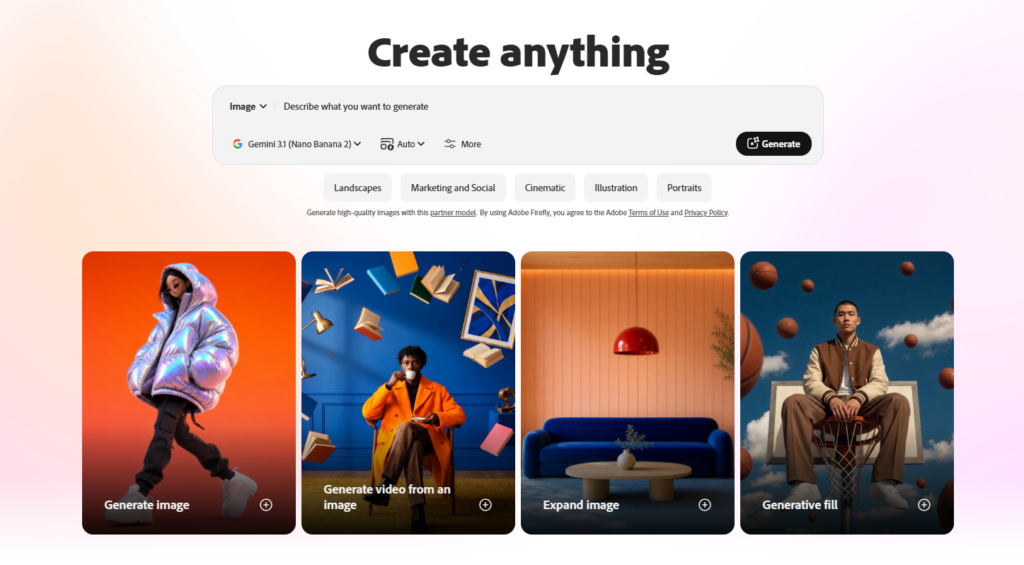
Free tier: 10 generative credits/month Watermark: None Sign-up: Adobe account required Best for: Sellers who need legally safe commercial images
Adobe Firefly has the most limited free tier on this list — just 10 credits per month — but it earns its place for one critical reason that matters enormously for Etsy sellers:
Every image is commercially safe.
Firefly is trained exclusively on licensed Adobe Stock content and public domain images. That means you can use the output in your Etsy listings without any copyright concerns. For sellers who take their shop seriously, this legal clarity is worth the credit limitation.
Best use for Etsy: Use your 10 monthly credits for your hero listing images — the primary photos that appear in Etsy search results. These are the images that drive clicks and sales, so spending your limited credits here makes the most sense.
Pros:
Cons:
Verdict: Use Firefly for your most important listing images where commercial safety matters most. Combine with Leonardo for volume.
Free tier: Unlimited generations Watermark: None (ads shown instead) Sign-up: Not required Best for: Concept testing, ideation, no-budget sellers
Craiyon (formerly DALL-E Mini) is the only tool on this list with truly unlimited free generations and no sign-up required. The output quality is lower than other tools, but for testing mockup concepts before committing to higher-quality generation, it is unbeatable.
Best workflow with Craiyon:
This two-step approach saves your premium credits for mockups you already know work.
Pros:
Cons:
Verdict: Use Craiyon for ideation and concept testing only. Not for final Etsy listing images.
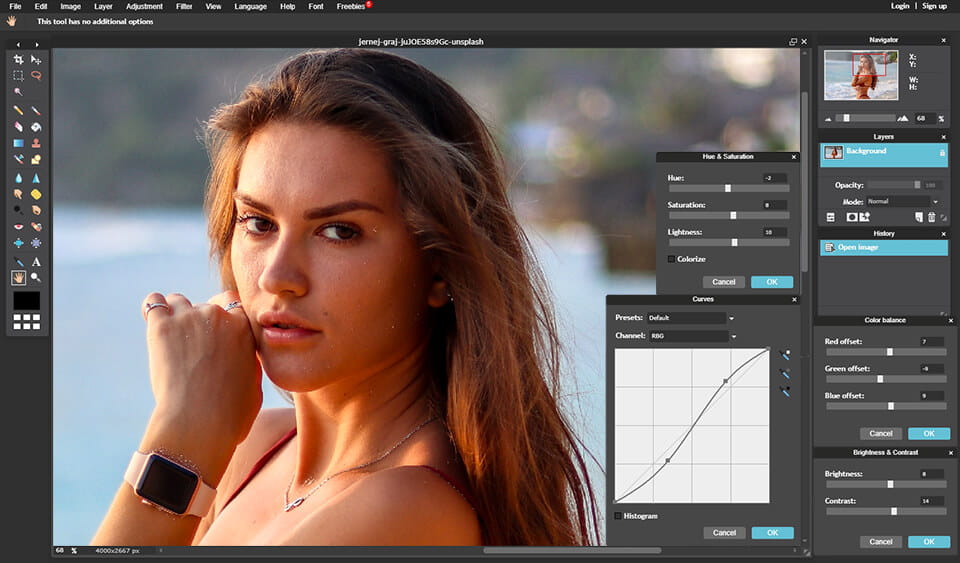
Free tier: Limited daily generations Watermark: None Sign-up: Email required Best for: Sellers who need to edit mockups after generating
Pixlr combines AI image generation with a full photo editor — making it uniquely useful for Etsy sellers who need to generate a mockup AND then edit it (remove background, adjust colors, add text, resize).
Etsy-specific workflow:
Pros:
Cons:
Verdict: Best for sellers who need post-generation editing without paying for Photoshop.
Free tier: 5 credits/day Watermark: None Sign-up: Email required Best for: Artistic, handmade, vintage Etsy aesthetics
NightCafe Studio gives you access to multiple AI models — including Stable Diffusion — and is particularly strong for Etsy sellers whose products have an artistic, handmade, or vintage aesthetic.
If you sell watercolor prints, vintage-inspired jewelry, hand-lettered stationery, or bohemian home decor, NightCafe’s artistic style presets produce mockups that match your brand aesthetic better than more photorealistic tools.
Best prompt style for NightCafe: “Watercolor art print in a vintage wooden frame on a rustic shelf with dried flowers and candles, warm golden hour light, cottagecore aesthetic, film photography style”
Pros:
Cons:
Verdict: Perfect for Etsy sellers with artistic, vintage, or handmade brand aesthetics.
Free tier: 15 boost credits/day + unlimited slow Watermark: None Sign-up: Microsoft account Best for: Fast mockups, no learning curve
Bing Image Creator (powered by DALL-E) is one of the fastest free AI image generators available. No new account needed if you have a Microsoft account, and the results are consistently good for lifestyle product mockups.
Quick Etsy mockup prompt: “Scented candle with minimalist label on a marble bathroom shelf with eucalyptus branches, luxury spa aesthetic, soft natural lighting, product photography”
Pros:
Cons:
Verdict: Best for sellers who need quick mockups fast without any setup or learning curve.
Use this formula for every mockup prompt:
[PRODUCT TYPE] + [YOUR DESIGN DESCRIPTION] +
[LIFESTYLE SETTING] + [LIGHTING STYLE] +
[AESTHETIC/MOOD] + [PHOTOGRAPHY STYLE]

EXAMPLE:
"White ceramic mug [product type]
with a minimalist mountain illustration [design]
sitting on a wooden desk next to an open book
and coffee beans [lifestyle setting]
in warm morning sunlight [lighting]
cozy hygge atmosphere [mood]
product photography style [photography]"
| Your Situation | Best Tool |
|---|---|
| Want best quality free mockups | Leonardo.Ai |
| Need to edit mockups after generating | Canva AI or Pixlr |
| Complete beginner, zero experience | Microsoft Designer |
| Need commercially safe images | Adobe Firefly |
| Want unlimited free testing | Craiyon |
| Sell artistic or vintage products | NightCafe |
| Need mockups fast right now | Bing Image Creator |
| Want generate + edit in one place | Canva AI |
Tip 1 — Generate in bulk, pick the best 3 Generate 10–15 variations of each mockup concept and select only the top 3. More options = better final selection.
Tip 2 — Match your shop aesthetic All your mockups should have a consistent color palette, lighting style, and mood. Inconsistent aesthetics hurt conversion rates.
Tip 3 — Test different backgrounds The same product in different settings (kitchen vs office vs outdoor) can have dramatically different conversion rates. Test multiple options.
Tip 4 — Use your mockups for Pinterest too AI-generated lifestyle mockups perform extremely well on Pinterest — which drives significant free traffic to Etsy shops.
Tip 5 — Combine tools strategically Use Craiyon for concept testing → Leonardo for final quality → Canva for editing and resizing → export to Etsy.
Can I use AI-generated mockups in my Etsy listings?
Yes. AI-generated images are permitted in Etsy listings as product photos. However, Etsy requires that listings accurately represent the product. Ensure your mockup clearly shows what the buyer will receive.
Are free AI mockup generators good enough for Etsy?
Yes — in 2026, free tools like Leonardo.Ai produce mockup quality that rivals paid services. The free tiers are genuinely usable for professional Etsy listings.
Do I need Photoshop to use AI mockup generators?
No. Every tool on this list works entirely in the browser with no Photoshop required. Canva and Pixlr include built-in editing tools for post-generation adjustments.
Which free AI image generator is best for print-on-demand Etsy sellers?
Leonardo.Ai is the best choice for print-on-demand sellers. Its img2img feature lets you upload your actual design and place it into lifestyle scenes — which is more accurate than text-only generation for POD products.
How many mockups should I have per Etsy listing?
Etsy allows up to 10 listing photos. Aim for at least 5–7 mockups per listing — including lifestyle shots, close-up detail shots, size reference images, and a clean product-only shot.
Can I use these tools for Etsy digital products too?
Yes. AI image generators are excellent for creating preview mockups for digital products — showing how a printable wall art piece looks framed, how a digital planner looks on a tablet, or how a Lightroom preset transforms a photo.
The best free AI image generator for Etsy product mockups in 2026 is Leonardo.Ai — it delivers the highest quality output, includes img2img for accurate design placement, and gives you 150 free tokens every day with no watermarks.
For sellers who want to generate AND edit in one place, Canva AI is the better workflow choice.
For complete beginners who want results in under 5 minutes, Microsoft Designer or Bing Image Creator gets you there fastest.
The smartest approach: use Craiyon for free unlimited concept testing, Leonardo for final quality mockups, and Canva for editing and resizing before uploading to Etsy.
Also read:

Instagram Reels is the most competitive short-form video format in 2027. Over 200 billion Reels are played every…
Read →Posting consistently on LinkedIn is one of those things everyone agrees matters and almost nobody actually sustains —…
Read →This is one of the most searched AI comparisons of 2026 — and also one of the most…
Read →