Turn a photo into an editable, printable crochet colour grid in your browser. No upload.
Last updated September 4, 2026
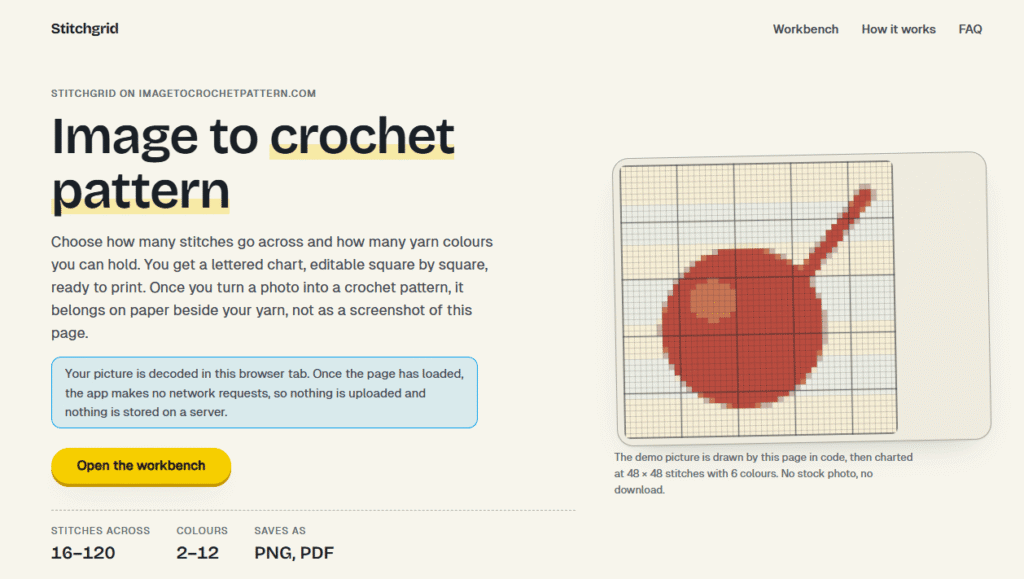
Stitchgrid (imagetocrochetpattern.com) converts a photo into a lettered, editable crochet stitch chart — choose how many stitches go across (16-120) and how many yarn colours to use (2-12), and it charts the image square by square, ready to print as a PNG sheet or one-page PDF. The entire conversion runs locally in the browser: the picture is decoded in that browser tab, and once the page has loaded, the app makes no network requests, so nothing is uploaded or stored on a server.
Paragraph 2: The charting itself uses median-cut colour quantization (repeatedly splitting the colour space along its widest range until it reaches your chosen colour count) — a deterministic method, meaning the same picture and colour count always produce the same palette, not a randomized approximation. An optional “AI chart draft” step lets you describe what the chart should emphasize in plain language; the tool is explicit that this step only suggests direction and does not create the chart, calculate gauge, or claim the finished pattern is accurate — that work stays with the deterministic charting engine and the user’s own corrections.
Paragraph 3: Every square in the generated chart can be manually repainted, and yarn-colour labels can be swapped to match real yarn on hand. The tool is upfront about what it doesn’t do: gauge isn’t converted (since one square is one stitch, not necessarily square in real tension), palette colours are plain descriptions with no commercial yarn-brand mapping, and nothing is saved between visits — closing the tab clears the chart.
Pros
Cons
Does my photo leave this page?
No, by default. The picture is decoded and charted in the browser tab, with no automatic upload. Only if you enable the optional image-preview checkbox and use “Prepare AI draft” is a reduced 512px JPEG preview sent for that one request — the original image and generated chart remain local either way.
What pictures can I use?
JPEG, PNG, or WebP files up to 25MB. Use a picture you own or are licensed to use. Large photos are scaled down in the tab before charting.
Does this map yarn to a commercial colour standard?
No. Palette colours are plain descriptions, with no yarn-brand mapping and no claim of compatibility with any commercial colour standard.
Can I print the chart?
Yes. Save a PNG sheet or a one-page PDF including the grid and a lettered legend. Gauge is not converted, so check your own swatch before trusting the finished size.
How many stitches and colours can I use?
Stitches across run from 16 to 120. Yarn colours run from 2 to 12. Rows follow the picture’s proportions and are capped at 220.
How do I read the chart?
One square is one stitch. Heavier lines mark every ten stitches. Letters match the legend, so a grayscale print still reads correctly. Gauge is not converted, so check your own swatch before trusting finished size.
| Criteria | Rating |
|---|---|
| Accuracy & Reliability | ⭐4.4/5 |
| Ease of Use | ⭐ 4.3/5 |
| Features & Functionality | ⭐ 3.6/5 |
| Performance | ⭐ 4.5/5 |
| Customization | ⭐ 4.2/5 |
| Security & Privacy | ⭐ 4.9/5 |
| Customer Support | ⭐ 3.2/5 |
| Value for Money | ⭐ 4.7/5 |
| Integrations | ⭐ 2.8/5 |
Meshy AI is an advanced AI-powered 3D model generator that transforms text prompts and images into production-ready 3D…
ReWords AI is an online AI tool built for one specific, genuinely useful job: replacing existing text inside…
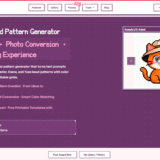
BeadPattern is an AI-powered pattern generator built specifically for physical bead crafting — Perler, Hama, Fuse, and Artkal…
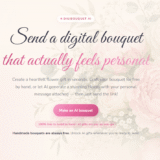
DigiBouquet AI is a digital gifting tool that lets you send a flower bouquet gift as a personalized,…

AdGPT is an AI-powered advertising platform that helps businesses create complete, high-converting marketing campaigns from a single product…
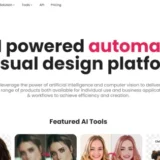
Cutout.Pro is an AI-powered visual content creation and editing platform that helps users create professional-quality images and videos…
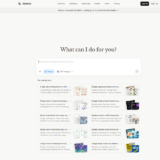
Manus AI is an autonomous general-purpose AI agent — you give it a goal, not just a prompt,…
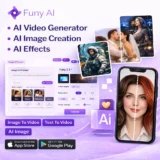
AI Interior Design is an intelligent home design platform that creates realistic room transformations using AI while preserving…
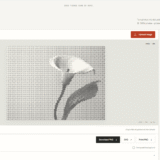
MakeHalftone is a free browser-based halftone generator that converts any photo or image into a print-ready dot pattern…

ChatGPT, built by OpenAI, remains the most widely used AI assistant in the world — the default most…
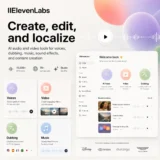
ElevenLabs is an advanced AI audio platform that enables creators, businesses, and developers to generate ultra-realistic voices, AI…
PrepGo is an AI-powered AP exam preparation platform built to make studying for Advanced Placement exams more structured,…
