
Zanus AI Pricing Breakdown: Is This Private Enterprise AI Worth the Cost? (2027)
If you have been searching for Zanus AI pricing and hitting a wall — you are not alone.…
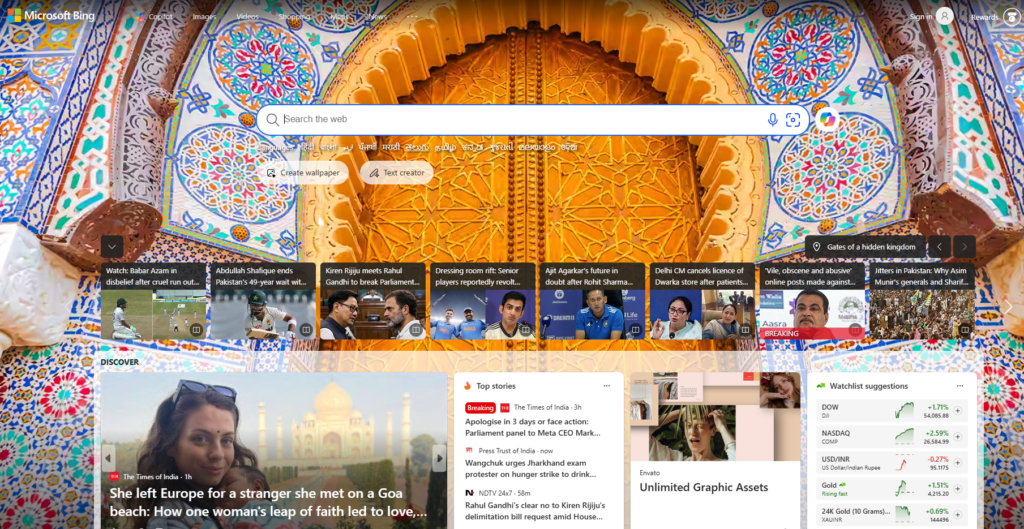
Read →Bing quietly turned into one of the most useful free AI tools on the internet, and a lot of people still don’t fully know what it does beyond “the search engine with the chat thing.” If you’ve searched “what is Bing AI,” “does Bing use GPT-4,” or “how to use Bing AI image generator,” this guide covers all of it — what Bing AI actually is, how the chat and image generator work, whether it’s better than ChatGPT, and practical answers on copyright, deleting images, and getting started.
📌 Quick answer: Bing AI is Microsoft’s AI layer built into Bing search — known as Copilot — that gives you direct, cited answers instead of a list of links, plus a free built-in image generator (Bing Image Creator) powered by OpenAI’s DALL-E 3, GPT-4o, and Microsoft’s own MAI-Image-1 model.
In this guide:
Bing AI is the umbrella term most people use for Microsoft’s AI features built into Bing — officially branded as Copilot. It launched in February 2023 when Microsoft rebuilt Bing around OpenAI’s GPT-4-class models, turning the search engine from a list-of-links tool into something closer to a research assistant you can actually talk to.
Today, “Bing AI” covers two main things people search for:
Both are free to use with a Microsoft account, tied into the broader Microsoft ecosystem (Word, Excel, PowerPoint, Outlook, Windows), and positioned as Microsoft’s answer to ChatGPT.
See our full breakdown on the Bing AI tool page →
Yes — originally, and it still does today, alongside newer models. When Bing AI launched in 2023, it ran on an early version of OpenAI’s GPT-4 before the model was publicly released anywhere else. Since then, Microsoft has continued expanding what powers Bing/Copilot: it now draws on a mix of OpenAI models (including GPT-4o) and Microsoft’s own in-house models, such as MAI-Image-1 for image generation. So “does Bing use AI” and “does Bing use GPT-4” are both a clear yes — Bing just doesn’t rely on a single fixed model the way it did at launch; it’s shifted toward a multi-model system where different requests can be handled by different underlying models.
In practice, Bing AI works differently depending on whether you’re chatting or generating images:
For chat: When you ask Copilot a question, it doesn’t just search and hand you links — it searches the web in the background, reads through the results, and writes a direct answer summarizing what it found, with citations linking back to its sources underneath the response. You can then ask it to simplify the answer, expand on a specific point, or keep the conversation going, and it retains context from earlier in the thread. This is the core difference from traditional search: you get an answer, not a list of pages to click through yourself.
For images: Bing Image Creator works on diffusion-model technology — you describe an image in words, and it generates several variations based on your prompt, currently letting you pick between different underlying models (DALL-E 3, GPT-4o image generation, and Microsoft’s MAI-Image-1) depending on the style you’re after.
A practical note on limits: fast, high-priority generations are capped (commonly referred to as “boosts”) — a set number per day or week — after which new images still generate but more slowly. Standard-speed generation itself is unlimited and free, no subscription required.
There isn’t a single winner — they’re strong in different areas:
| Bing AI (Copilot) | ChatGPT | |
|---|---|---|
| Cost | Free, GPT-4-class quality, no subscription needed | Free tier is limited; GPT-5.5-class quality requires ChatGPT Plus (~$20/month) |
| Real-time web search | Built in by default on every answer | Available, but not as tightly woven into every response |
| Source citations | Shown automatically under every answer | Only when explicitly using browsing/research features |
| Image generation | Free, built in (DALL-E 3, GPT-4o, MAI-Image-1) | Available, generally on paid plans for full access |
| Ecosystem | Deep integration with Word, Excel, PowerPoint, Outlook | Deep integration with custom GPTs and third-party apps |
| Commercial image use | Free tier is largely non-commercial; unlocked on paid Microsoft 365 Copilot plans | Generally allowed on paid plans |
Bottom line: if you want free, cited, GPT-4-class answers with no subscription and you’re already inside the Microsoft ecosystem, Bing AI is genuinely one of the best free options available. If you want the most capable model, the deepest customization, and a bigger app ecosystem, ChatGPT still generally has the edge for power users. For a full head-to-head on model capability specifically, see our Grok vs ChatGPT comparison — much of that reasoning applies to Bing AI vs ChatGPT too.
This is genuinely one of the murkier questions in AI right now, so here’s the straight answer rather than a comforting one:
This isn’t legal advice — if selling AI-generated images is central to your business, read Microsoft’s current Bing Image Creator and Copilot terms of service directly, or talk to a lawyer, since these terms shift as the legal landscape around AI-generated content develops.
Deleting an image from your history removes it from your account, but keep in mind that if you already downloaded, shared, or posted the image elsewhere, deleting it from Bing doesn’t remove those external copies.
What is Bing AI used for?
Getting direct, cited answers to questions instead of a list of search links (via Copilot chat), and generating free AI images from text prompts (via Bing Image Creator).
Does Bing have AI?
Yes — Bing has been built around AI, branded as Copilot, since February 2023.
Is Bing AI free?
Yes, both chat and standard-speed image generation are free with a Microsoft account, no subscription required for baseline use.
Is Bing AI good?
For free, cited, GPT-4-class answers and free image generation, yes — it’s genuinely one of the strongest free AI options available, particularly for anyone already using Microsoft products.
How do I get Bing AI?
Just go to bing.com — Copilot chat is built in by default. No separate download or sign-up is strictly required for basic use, though signing in with a Microsoft account unlocks full chat history and higher usage limits.
Can I use Bing AI images commercially?
Generally not on the free tier — Microsoft’s free-tier terms lean toward personal use. Commercial use is unlocked through paid Microsoft 365 Copilot plans. Check Microsoft’s current terms before using any Bing AI image in commercial work.
👉 Want the full breakdown? See pricing, specs, and alternatives on our Bing AI tool page →

If you have been searching for Zanus AI pricing and hitting a wall — you are not alone.…
Read →Searching “free AI video generator no watermark no sign up” usually turns up a wall of listicles promising…
Read →Three tools. Three completely different answers to the same question. The question is: what does “best AI video…
Read →