Google's multimodal AI assistant for work, learning, coding, and creativity.
Last updated August 5, 2026
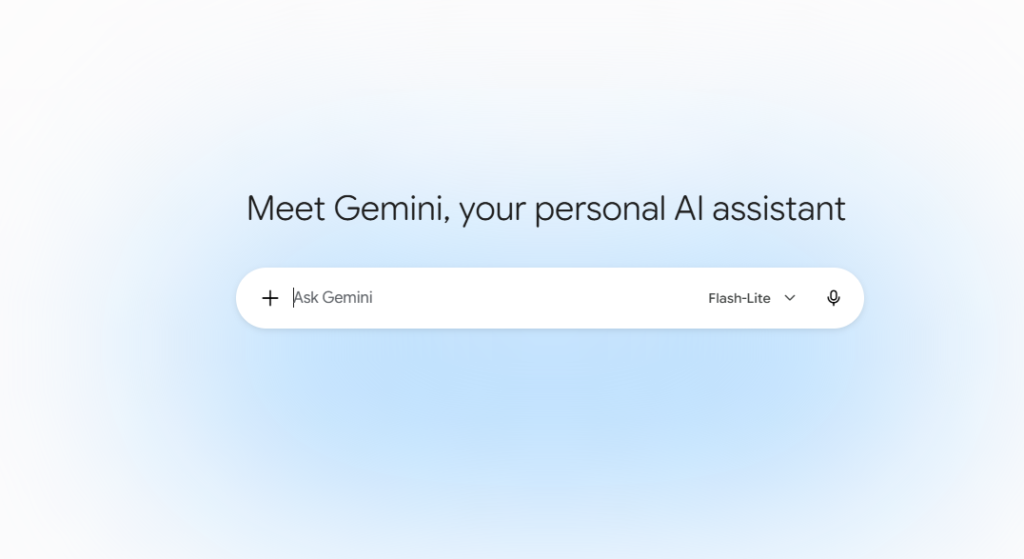
Gemini AI is Google’s advanced multimodal artificial intelligence assistant developed by Google DeepMind. It can understand and generate text, images, code, audio, and documents, making it one of the most powerful AI assistants available today. Whether you need help writing content, solving coding problems, analyzing files, conducting research, or brainstorming ideas, Gemini provides fast and intelligent responses across multiple devices.
Built to work seamlessly with the Google ecosystem, Gemini integrates with Gmail, Google Docs, Drive, Sheets, Maps, YouTube, and Android, helping users automate daily tasks and improve productivity. It is available through the web, mobile apps, and Google Workspace, making it suitable for individuals, students, developers, businesses, and enterprises.
Understand and generate text, images, PDFs, audio, code, spreadsheets, and more from a single conversation.
Ask questions, brainstorm ideas, summarize documents, write emails, and receive intelligent responses instantly.
Analyze large documents, research papers, books, and lengthy conversations without losing context.
Generate code, debug errors, explain programming concepts, write SQL queries, and support multiple programming languages.
Perform AI-assisted web research, summarize information, compare sources, and generate detailed reports.
Upload screenshots, charts, diagrams, invoices, handwritten notes, and photos for AI analysis.
Works with Gmail, Docs, Sheets, Drive, Calendar, and Meet to improve productivity.
Natural voice conversations with AI for hands-free assistance on supported devices.
Generate high-quality AI images from text prompts using Google’s latest image generation models.
Available on Android and iOS for on-the-go productivity and AI assistance.
Research topics, summarize notes, solve homework problems, and prepare study materials.
Generate code, debug applications, explain APIs, and accelerate software development.
Write blogs, YouTube scripts, social media posts, newsletters, and marketing content.
Draft emails, summarize meetings, analyze documents, and automate repetitive work.
Analyze lengthy reports, compare sources, and organize complex information efficiently.
Generate ad copy, campaign ideas, SEO content, and product descriptions.
Gemini AI distinguishes itself through its deep integration with Google’s ecosystem and its true multimodal capabilities. Unlike traditional chatbots, Gemini can seamlessly work across text, images, documents, code, spreadsheets, and voice while connecting directly with Gmail, Google Docs, Drive, YouTube, Maps, and Android. Its long-context understanding, powerful reasoning, and enterprise-grade AI models make it one of the most capable productivity assistants available today.
| Category | Score |
|---|---|
| Accuracy & Reliability | ⭐ 4.9/5 |
| Ease of Use | ⭐ 4.8/5 |
| Features & Functionality | ⭐ 5.0/5 |
| Performance & Speed | ⭐ 4.8/5 |
| Customization | ⭐ 4.6/5 |
| Privacy & Security | ⭐ 4.8/5 |
| Support & Documentation | ⭐ 4.7/5 |
| Value for Money | ⭐ 4.8/5 |
| Integrations | ⭐ 5.0/5 |

aiAllure is an AI companion platform designed for more personalized, ongoing interactions. Users can explore AI companions and…

WeryAI is an all-in-one AI creative platform that brings together leading AI models for video generation, image creation,…

Zanus AI is a private, on-premise AI operating system built for enterprises, government agencies, healthcare providers, law firms, and…

ChatGPT, built by OpenAI, remains the most widely used AI assistant in the world — the default most…

DETPractice AI is an AI-powered Duolingo English Test (DET) preparation platform designed to help students improve their English…
Grok AI is a next-generation conversational AI assistant developed by xAI. Designed to provide accurate, up-to-date responses, Grok…
Wonder Studio is an AI-powered visual effects platform that automates one of the most time-consuming parts of filmmaking—animating,…
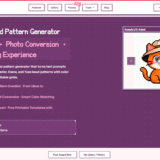
BeadPattern is an AI-powered pattern generator built specifically for physical bead crafting — Perler, Hama, Fuse, and Artkal…

All-in-one AI study platform for homework help, AI notes, flashcards, quizzes, exam preparation, and academic writing. StudyX is…
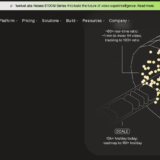
Twelve Labs is an advanced AI video understanding platform that helps businesses search, analyze, classify, and generate insights…
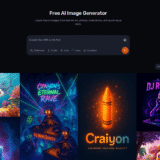
Craiyon is an AI image generator that turns text prompts into original images and artwork. It is designed…

Elicit is the AI research assistant built specifically for scientific research — trusted by over 5 million researchers at leading pharmaceutical…
