
5 Best AI Tools for Advertising in 2027 (Tested and Ranked)
Running ads in 2027 without AI is like editing video without a timeline. You can do it —…
Read →IT teams and MSPs searching for Atera in 2027 are not asking generic questions. They are asking very specific ones — about Robin, about autonomy, about pricing, about whether it actually replaces a help desk, and about what real MSPs think of it.
Atera is an all-in-one AI-powered IT management platform built for Managed Service Providers (MSPs) and internal IT departments. It combines six core capabilities in one platform:
| Capability | What It Does |
|---|---|
| RMM | Remote Monitoring and Management of all endpoints |
| Help Desk and Ticketing | Full IT support ticket lifecycle management |
| Patch Management | Automated software and OS patching across devices |
| Remote Access | Device access via Splashtop and AnyDesk |
| IT Automation | Script-based automation for repetitive IT tasks |
| Robin AI Agent | Autonomous AI that detects, diagnoses, and fixes issues |
Trusted by over 13,000 organisations worldwide, Atera is used by MSPs managing multiple client environments, internal IT departments at enterprises, healthcare organisations, educational institutions, and government agencies.
The full Atera tool listing on HeloAITools covers features, pricing, and alternatives in detail.
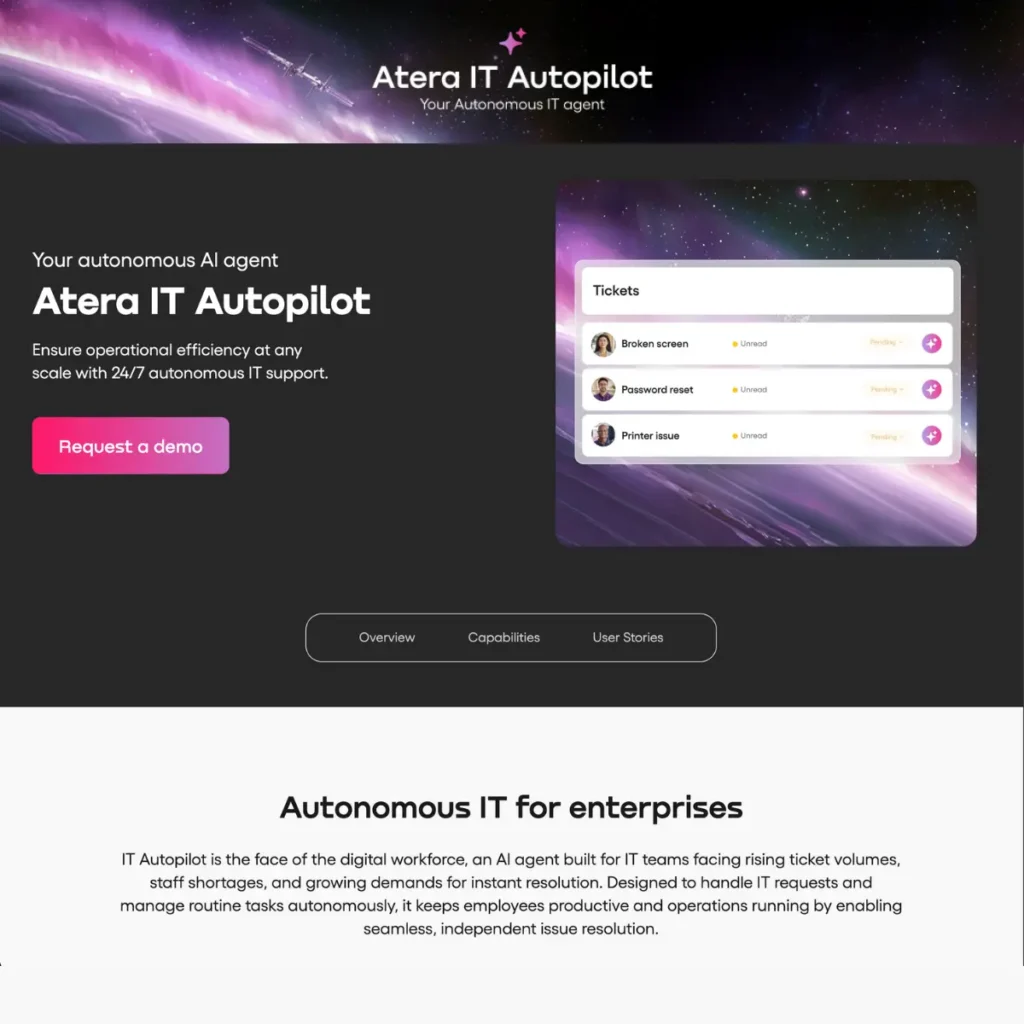
Robin is Atera’s autonomous AI agent — the feature that separates Atera from every other RMM platform in 2027.
Robin is not a chatbot. It is not a search assistant. It is not a ticket template generator.
Robin is an action-taking AI system that operates on your endpoints, your tickets, and your IT environment in real time — detecting issues, diagnosing root causes, executing fixes, and closing tickets without waiting for a human to approve each step.
The simplest way to understand Robin:
A traditional help desk waits for a user to report a problem, then a technician fixes it. Robin detects the problem before the user notices, diagnoses it automatically, fixes it automatically, and logs the resolution — all without a ticket being raised by a human.
Robin covers three distinct functions:
1. Autonomous IT Agent Takes independent action — monitors endpoints, detects anomalies, runs remediation scripts, and resolves issues without human intervention.
2. AI Copilot Assists technicians on complex issues — drafts ticket replies, suggests knowledge base articles, recommends next diagnostic steps, and summarises long ticket threads.
3. Ticket Automation Auto-creates, auto-tags, auto-assigns, auto-responds, and auto-closes tickets based on issue type and resolution status.
Robin is a true autonomous agent — not just a copilot. But understanding the difference matters.
| AI Copilot | Robin (Autonomous Agent) | |
|---|---|---|
| Detects issues | Alerts IT team | ✅ Detects automatically |
| Diagnoses root cause | Suggests diagnosis | ✅ Diagnoses automatically |
| Executes fix | Suggests fix — human executes | ✅ Executes fix automatically |
| Closes ticket | Human closes | ✅ Closes automatically |
| Works at 3am | ❌ No | ✅ Yes — 24/7 |
| Requires human approval | Always | Configurable |
An AI copilot assists. Robin acts.
Atera actually has both — the AI Copilot feature (available from the Professional plan) assists technicians with suggestions and drafts. Robin goes further by taking autonomous action on your environment.
Robin’s autonomy is configurable — you set the level that matches your team’s comfort:
| Level | What Robin Does | Human Role |
|---|---|---|
| Fully autonomous | Detects → diagnoses → fixes → closes ticket | Reviews logs after the fact |
| Supervised | Detects → diagnoses → fixes → notifies human | Can override after action |
| Approval-required | Detects → diagnoses → recommends fix | Approves before execution |
Most IT teams start in supervised mode and move toward fully autonomous as Robin proves itself on their specific environment — typically within 2–4 weeks.
Bottom line: Robin is a genuine autonomous agent. The AI Copilot is a separate, less autonomous feature. Both are included in Atera — they serve different purposes.
Here is what Robin actually does in a live IT environment — specific actions, not marketing language.
Robin monitors every endpoint continuously and executes fixes automatically when it detects known issue patterns:
High CPU usage Robin identifies the process causing the spike. If it matches a known problematic pattern, it terminates the process, logs the action, and notifies the technician. No ticket raised. No user impact.
Low disk space Robin runs cleanup scripts — removing temp files, old logs, and unnecessary cached data — before the disk fills and causes an outage. The user never knows there was a problem.
Failed services Robin detects when a critical service has stopped and restarts it automatically. A service that would have caused a user-reported outage is resolved in seconds.
Memory leaks Robin identifies applications consuming abnormal memory and restarts them before performance degrades to the point of user impact.
Failed patches Robin detects patch deployment failures and re-runs the patch automatically — maintaining compliance without technician intervention.
Network connectivity issues Robin runs diagnostic scripts and resets network adapters when it identifies a resolvable connectivity fault.
| Stage | What Robin Does |
|---|---|
| Detection | Creates ticket automatically with full diagnostic context pre-populated |
| Triage | Auto-tags by category, priority, and affected system |
| Assignment | Routes to the right technician or queue based on issue type |
| Communication | Sends status updates to the affected user automatically |
| Resolution | Executes the fix and verifies resolution |
| Closure | Closes the ticket and logs the resolution |
For MSPs managing hundreds of endpoints across multiple clients, this full-lifecycle automation eliminates the manual triage and admin work that consumes technician time.
The most valuable thing Robin does is catch issues before they become user-reported problems:
This shift from reactive (user reports problem → technician fixes it) to proactive (Robin detects problem → Robin fixes it before user notices) is the core operational change Atera delivers.
Atera’s pricing model is fundamentally different from most RMM platforms — and that difference matters for IT teams evaluating cost.
Most RMM platforms charge per endpoint — meaning your costs scale directly with the number of devices you manage. Atera charges per technician — meaning your costs stay flat as your endpoint count grows.
| Plan | Price/Month | Key Features |
|---|---|---|
| Professional | $149 | AI Copilot, RMM, Patch Management, Ticketing, Service Portal |
| Expert | $189 | Everything + Splashtop, AnyDesk, Ticket Auto-tagging, Advanced Reports |
| Master | $219 | Everything + Custom Analytics, Data Recovery, Extended Audit Logs |
| Enterprise | Custom | SSO, HIPAA, Network Discovery, Unlimited Reports, 99.9% SLA |
Robin is included across all plans. The AI Copilot is available from Professional. Full autonomous Robin capabilities are strongest on Master and Enterprise.
For an MSP with 3 technicians managing 500 endpoints:
| Pricing Model | Monthly Cost at 500 Endpoints |
|---|---|
| Per-device RMM (typical market rate 5/device) | 2,500/month |
| Atera Master (3 technicians × $219) | $657/month |
The per-technician model becomes increasingly cost-effective as endpoint count grows. An MSP adding 200 more endpoints pays nothing extra on Atera — on a per-device platform, that is 1,000 more per month.
For most MSPs and IT teams managing 200+ endpoints — yes. But the honest answer depends on three variables.
Robin delivers the strongest ROI when a high percentage of your tickets are repetitive and automatable:
| Ticket Type | Robin Handles? | Automation Rate |
|---|---|---|
| Service restarts | ✅ Yes | ~95% |
| Disk cleanup | ✅ Yes | ~90% |
| Patch failures | ✅ Yes | ~85% |
| Password resets | ✅ Yes (with integration) | ~80% |
| Performance issues | ✅ Yes | ~70% |
| Complex app errors | ⚠️ Partial | ~40% |
| Novel/unknown issues | ❌ No | ~0% |
If 50–60% of your tickets fall into the automatable categories above, Robin handles the majority of your ticket volume without technician involvement.
The higher your endpoint-to-technician ratio, the stronger Robin’s ROI:
| Ratio | Robin Impact |
|---|---|
| Under 50 endpoints/technician | Moderate — Robin helps but savings are limited |
| 100–200 endpoints/technician | Strong — Robin meaningfully reduces workload |
| 200+ endpoints/technician | Very strong — Robin enables scale that would otherwise require more headcount |
Traditional IT technician cost (fully loaded):
Atera Master plan: $219/month per technician
If Robin handles 50% of tickets autonomously, you effectively double each technician’s capacity — or maintain the same endpoint count with fewer technicians.
Realistic scenario — MSP with 3 technicians, 600 endpoints, 400 tickets/month:
For most MSPs at this scale, Robin pays for itself within the first week of the month.
Robin scales well — but there are real limits worth understanding before you deploy it.
High endpoint volumes Robin monitors thousands of endpoints simultaneously without performance degradation. The per-technician pricing model means adding endpoints does not increase cost.
Repetitive issue types at volume The more common an issue pattern, the better Robin handles it at scale. High-volume repetitive environments are Robin’s strongest use case.
Multi-client MSP environments Robin operates across multiple client environments from one dashboard — making it well-suited for MSPs managing diverse client portfolios.
Novel and unknown issues Robin is trained on known issue patterns. Genuinely new problems — unusual application errors, novel security incidents, custom software failures — require human intervention. Robin escalates these correctly, but it cannot resolve what it has not been trained to recognise.
Highly customised environments Environments with non-standard configurations, legacy systems, or unusual software stacks require more baseline tuning before Robin’s auto-remediation is reliable. Expect 2–4 weeks of configuration work in complex environments.
False alert noise during initial setup The most commonly reported friction point — Robin generates false positive alerts in the first 2–4 weeks while it learns what is normal for your specific environment. This is a configuration issue, not a fundamental flaw, but it requires patience and active tuning during onboarding.
HIPAA and compliance-heavy environments HIPAA compliance, SSO, and advanced security features require the Enterprise plan — which means a custom pricing conversation rather than a published rate. Healthcare MSPs should factor this into their evaluation.
Character consistency across complex multi-step fixes Robin handles single-issue remediation reliably. Multi-step fixes involving several interdependent systems are less consistent and more likely to require human review.
Based on verified MSP feedback from G2, Capterra, Reddit’s r/msp community, and IT forums in 2027:
Ticket auto-tagging accuracy The AI-powered ticket categorisation and auto-assignment is the most praised feature among MSPs. Teams report going from 2+ hours of daily manual triage to under 20 minutes after Robin is configured.
Proactive remediation catching issues before users notice MSPs managing large endpoint counts report that Robin’s proactive detection — catching disk issues, service failures, and performance degradation before users report them — is the single biggest operational improvement.
Per-technician pricing at scale MSPs who previously used per-device RMM platforms consistently highlight the pricing model as a major advantage. Adding endpoints without adding cost changes the economics of MSP growth.
24/7 autonomous coverage Robin handles issues at 3am, on weekends, and during holidays without on-call costs. For MSPs with SLA obligations, this is a significant operational benefit.
False alert noise in the first 2–4 weeks Almost every MSP review mentions the initial false positive period. Robin flags things that are normal for a specific environment before it learns the baseline. The consensus is that it settles down after active tuning — but the onboarding period requires patience.
Complex issue handling still needs humans Robin is excellent at repetitive, known issues. For anything genuinely complex — custom application errors, unusual network configurations, novel security incidents — technicians are still required. MSPs who expected Robin to handle everything are disappointed. MSPs who understood its scope are satisfied.
Enterprise feature gating SSO, HIPAA compliance, and Network Discovery are Enterprise-only. For healthcare and financial services MSPs, this means a custom pricing conversation rather than a self-serve signup.
False alerts are the most consistently reported issue in Atera Robin reviews — and they deserve a direct answer.
Why false alerts happen: Robin monitors endpoints against a baseline of what is “normal.” In a new environment, Robin does not yet know what normal looks like for your specific systems. It flags anomalies that are actually expected behaviour — a scheduled task that spikes CPU, a backup process that fills disk temporarily, a service that restarts on a schedule.
How long it lasts: Most MSPs report the false alert noise settles significantly within 2–4 weeks of active baseline tuning. Teams that invest time in the initial configuration period — defining what is normal, setting appropriate thresholds, and reviewing Robin’s early alerts — reach a stable, low-noise state faster.
How to minimise it:
The honest assessment: False alerts are a real friction point during onboarding — not a permanent flaw. Every MSP review that mentions false alerts also notes that the tool stabilises after tuning. The teams that struggle most are those who deploy Robin in fully autonomous mode immediately and expect zero noise from day one.

Running ads in 2027 without AI is like editing video without a timeline. You can do it —…
Read →The Verity Mod is one of the most popular AI companion mods for Minecraft — but getting the…
Read →The challenge is knowing which tool actually fits your situation. Per-conversation pricing sounds cheap until your volume spikes.…
Read →