Remove unwanted text and objects from images with AI.
Last updated October 8, 2026
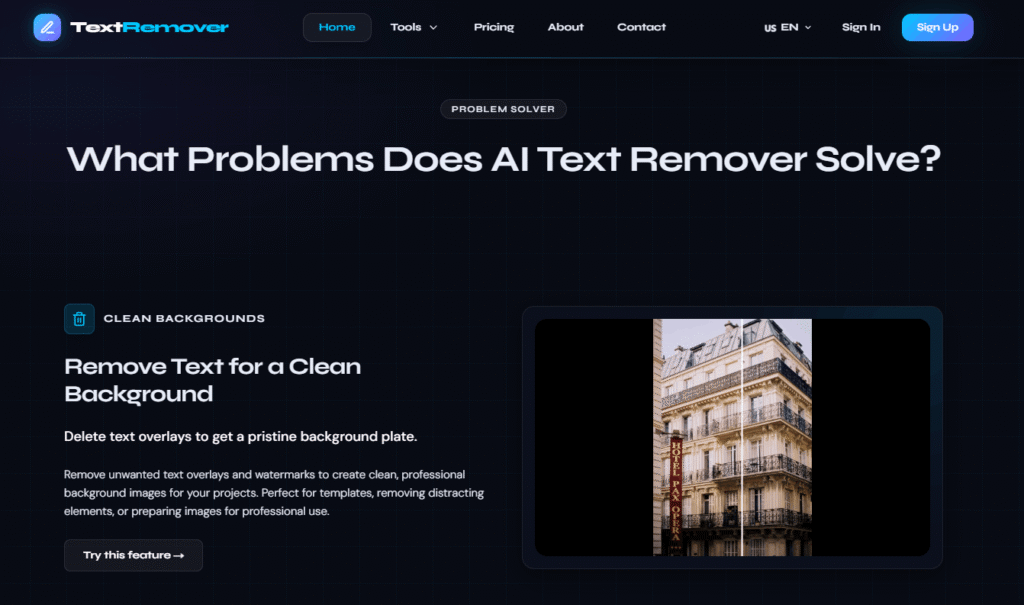
TextRemover is an AI-powered image text removal tool that lets you remove any visible text, watermark, overlay, or sensitive information from an image in four simple steps — upload, paint over the text, let the AI reconstruct the background, and download the clean result.
No design skills required. No Photoshop. No manual cloning or patching. You paint roughly over the text you want removed and the AI inpaints the selected region with content that matches the surrounding background — leaving the rest of the image completely unchanged.
TextRemover is built for three core use cases: cleaning backgrounds for professional use, protecting privacy by redacting sensitive data, and re-editing images by clearing old text to make space for new content. It works on social media images, product photography, memes, screenshots, documents, and more.
The free plan handles occasional cleanups with no credit card required. Paid plans add priority processing, higher resolution exports, and higher volume for professional workflows.
Step 1 — Upload Your Image Drag and drop or click to upload. Supports PNG, JPG, JPEG, and WebP up to 10MB.
Step 2 — Mark Text Areas Use the intuitive brush tool to paint over the text you want removed. Precise or rough — the AI handles the reconstruction.
Step 3 — AI Processing The AI inpaints the selected region with content that matches the surrounding background seamlessly.
Step 4 — Download Result Review the processed image when the task completes, then download the clean result.
Clean Backgrounds Remove text overlays and watermarks to create clean, professional background images for templates, presentations, and professional projects. Perfect for removing distracting elements or preparing images for reuse.
Privacy Protection Redact sensitive information — personal data, addresses, phone numbers, and other private details — from images before sharing. Ensures privacy and compliance with data protection requirements.
Content Re-editing Clear existing text content to make space for new information. Perfect for creating templates, updating designs, or repurposing existing images with fresh copy.
| Use Case | What It Does |
|---|---|
| Social Media Content | Remove watermarks, timestamps, or unwanted text overlays from social media images |
| Photography | Clean up images by removing price tags, labels, or promotional text with precision |
| Meme Creation | Remove existing meme text and start with a clean slate for your own content |
| Privacy Redaction | Remove personal data, phone numbers, and addresses before sharing screenshots |
| Template Creation | Strip text from existing designs to create reusable blank templates |
| Product Images | Remove promotional overlays from product shots for clean e-commerce listings |
TextRemover is part of a broader AI image editing suite:
| TextRemover | Adobe Firefly | Inpaint | Cleanup.pictures | |
|---|---|---|---|---|
| Free plan | ✅ No card | ✅ Limited | ❌ Paid | ✅ Limited |
| Browser-based | ✅ | ✅ | ✅ | ✅ |
| Brush selection tool | ✅ | ✅ | ✅ | ✅ |
| Privacy redaction use case | ✅ | ❌ | ❌ | ❌ |
| Auto-delete results (free) | ✅ | ❌ | ❌ | ❌ |
| Object remover included | ✅ | ✅ | ✅ | ✅ |
| Starting price | Free | Free limited | $9.99/mo | Free limited |
How accurate is the text removal?
Results depend on the selected area and the complexity of the hidden background. Simple, repetitive backgrounds are usually easier to reconstruct than faces, fine lines, or detailed textures.
What image formats does TextRemover support?
PNG, JPG, JPEG, and WebP up to 10MB.
Is my data secure?
Task access is protected and uploaded images are handled according to the Privacy Policy. On the free plan, results are automatically deleted after the task completes.
Can I remove text from complex backgrounds?
Yes, but results vary. The AI performs best on simple or repetitive backgrounds. Complex textures, faces, and fine details are harder to reconstruct perfectly — review the result before downloading.
Is there a free plan?
Yes. The free plan allows up to 5 edits per hour and 10 edits per day with no credit card required. Results are automatically deleted after download.
How long does processing take?
Standard processing on the free plan varies by demand. Priority and Priority Pro plans offer up to 2x faster processing and priority queue access during busy periods.
Can I use TextRemover for privacy redaction?
Yes. TextRemover is specifically designed for removing personal data, addresses, phone numbers, and other sensitive information from images before sharing — making it suitable for privacy and compliance use cases.
| Criteria | Rating |
|---|---|
| Accuracy & Reliability | ⭐ 4.9/5 |
| Ease of Use | ⭐ 4.6/5 |
| Features & Functionality | ⭐ 4.9/5 |
| Performance | ⭐ 4.8/5 |
| Customization | ⭐ 4.7/5 |
| Security & Privacy | ⭐ 4.6/5 |
| Customer Support | ⭐ 4.3/5 |
| Value for Money | ⭐ 4.2/5 |
| Integrations | ⭐ 4.8/5 |

Cutout.Pro is an AI-powered visual content creation and editing platform that helps users create professional-quality images and videos…

ProductShot AI is an AI product photography tool built specifically for ecommerce — turning a single product photo…
Topaz Video AI is a powerful AI-powered video enhancement software developed by Topaz Labs that helps creators improve…
GoEnhance AI is an all-in-one AI video and image enhancement platform that helps creators produce professional-quality content with…
Gemini Watermark Remover is a free browser-based tool that removes the visible Gemini AI watermark from supported Gemini-generated…

Raphael AI is a completely free AI image generator — the world’s first with no sign-up requirement, no…
Img2Gen is an AI-powered image creation platform focused on product photography, advertising, portraits, and image editing. Users can…
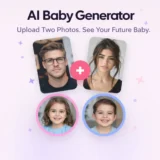
AI Baby Generator is an advanced AI-powered future baby prediction tool that creates realistic images of your potential…
Luna Lisa is an AI image generation and photo editing platform built around its VIP Luna Lisa image…

Pixlr is a free, browser-based AI photo editor and image generator that combines a full photo editing suite,…
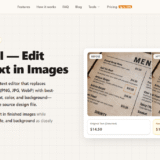
ReWords AI is an online AI tool built for one specific, genuinely useful job: replacing existing text inside…
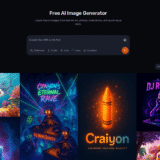
Craiyon is an AI image generator that turns text prompts into original images and artwork. It is designed…
