
7 Best AI Chatbots for Customer Support Under $50 a Month (2027)
The challenge is knowing which tool actually fits your situation. Per-conversation pricing sounds cheap until your volume spikes.…
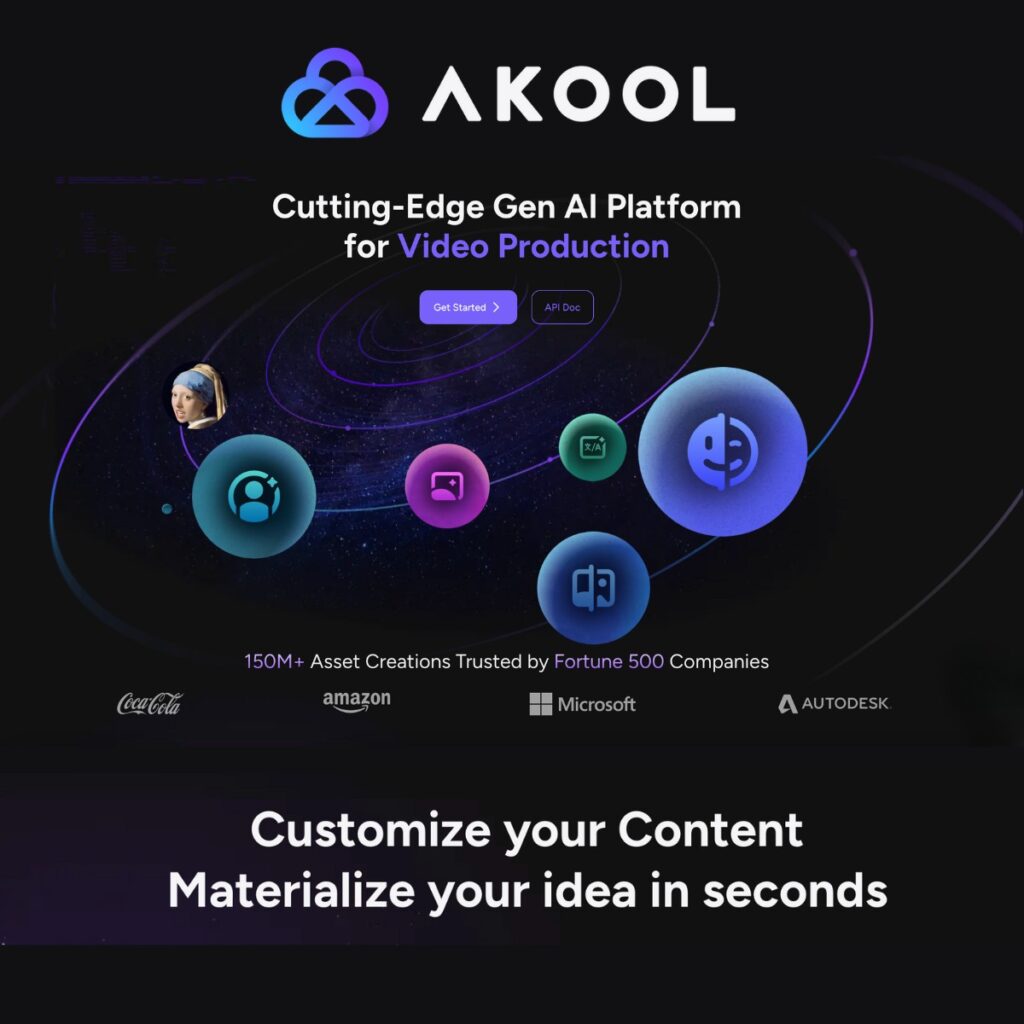
Read →Akool AI is an AI-powered creative platform that helps users create and transform images, videos, avatars, and other digital content with artificial intelligence. From AI face swaps and AI avatars to image-to-video and text-to-video generation, Akool brings multiple creative tools together in one platform.
Whether you are a content creator, marketer, business owner, educator, or social media professional, Akool AI can help you produce visual content without relying entirely on traditional video production and editing workflows.
In this guide, we’ll explain what Akool AI is, how Akool AI works, its main features, Akool AI face swap, AI avatars, image generation, image-to-video capabilities, pricing, use cases, pros and cons, and whether Akool AI is worth trying.
Akool AI is a generative AI platform focused on creating and transforming visual and audio content.
The platform includes tools for AI video generation, image generation, face swapping, AI avatars, video translation, text-to-speech, voice cloning, voice changing, and more.
Instead of using separate applications for every part of the creative process, users can access multiple AI-powered creation tools from one platform.
For example, you can use Akool AI to:
This makes Akool particularly interesting for creators and businesses that need to produce a large amount of visual content.
Akool has expanded beyond being a simple AI video generator. Its current platform includes a broad collection of image, video, avatar, audio, and live AI tools.
One of the most popular Akool AI features is its AI face swap tool.
Akool allows users to replace faces in images and videos with AI-generated results. The platform supports common image formats as well as video files and provides tools for photo and video face swapping.
The face swap system can also handle multiple faces and different angles and poses.
Potential uses include:
Akool also offers additional tools such as character swap, head swap, hair swap, motion swap, and live face swap.
The Akool AI image generator allows users to create images from text prompts.
You can describe the visual you want and use AI to generate an image for creative or marketing purposes.
For marketers, this can be useful for creating:
Akool currently lists an Image Generator alongside image-to-image and other image creation tools.
Another important feature is Akool AI image to video.
Image-to-video technology transforms a static image into an animated video. This can be useful when you already have a visual but want to turn it into a more engaging piece of content.
For example, a marketer could create an image first and then use image-to-video generation to create a short promotional clip.
Akool currently lists Image to Video as one of its core video creation tools.
Akool also provides AI-powered video generation tools.
Its platform currently includes text-to-video, image-to-video, video-to-video, reference-to-video, avatar video, and AI video editing capabilities.
This allows users to approach video creation from different starting points rather than relying on a single generation method.
The Akool AI avatar tools allow users to create videos featuring digital avatars.
Users can select existing avatars or create customized avatars and then use scripts and voices to produce videos.
Akool says its avatar video tools can be used for marketing, sales enablement, localization, executive communications, learning and development, and educational content.
Some avatar workflows also support voice cloning and a large selection of AI voices.
Talking avatars are designed to turn scripts into videos featuring an AI-powered digital presenter.
This can be useful for businesses that need:
Akool’s avatar system focuses on lip synchronization and realistic digital-human generation.
Akool also provides AI video translation.
The platform currently advertises support for 155+ languages in its video translation feature, along with capabilities such as lip-sync and subtitle-related workflows.
This can make the platform useful for businesses that want to adapt video content for international audiences.
Akool includes AI voice tools such as text-to-speech, voice cloning, and voice changing.
These features can be used alongside avatar and video generation to create complete AI-powered videos.
Akool also has a Live Camera product that lets users appear as AI avatars in real time.
According to Akool, Live Camera can work with platforms such as Zoom, Google Meet, and Microsoft Teams. It supports real-time avatar, face-swap, translation, and related capabilities.
This makes it different from a standard AI image or video generator because the experience can happen during a live interaction.
Getting started with Akool AI is relatively straightforward.
Visit Akool and create an account to access its AI creation tools.
Select the type of content you want to create.
For example:
Depending on the tool, you can upload an image or video, enter a text prompt, provide a script, or select an avatar.
Adjust the available settings, styles, voice, avatar, or other generation options.
Start the generation process and wait for Akool to create the result.
After generation, you can download the result or continue editing it using the available tools.
Akool uses subscription plans and credit-based usage, with options aimed at individual creators, professional users, power users, businesses, and enterprises.
Because Akool AI pricing changes over time, check the current pricing before purchasing. Akool’s current pricing page lists Starter, Pro, Pro Max, Business, and Enterprise options, with different limits for video resolution, generation concurrency, avatars, face swap, video translation, voice tools, storage, and other features.
For the most accurate current pricing, see the Akool AI pricing page directly. Akool AI Pricing
Yes, Akool currently offers a free/Starter option.
The current pricing information lists a $0 Starter plan with access to selected image and video models, face swap models, Video Agent and Agentic Canvas, and other features.
However, free access comes with limitations, so users who need higher resolutions, faster processing, more concurrency, or additional capabilities may need a paid plan.
Akool AI can be useful across several industries and workflows.
Creators can use Akool to generate images, videos, avatars, and other social media assets.
Marketing teams can create promotional videos, personalized content, product visuals, and advertising creatives.
AI-generated videos, face swaps, avatars, and image-to-video content can help creators produce more visual content.
Businesses can create product-focused visuals and promotional videos without producing every asset manually.
AI avatars can be used for training, educational videos, courses, and instructional content.
Video translation and AI voice tools can help companies adapt content for international audiences.
AI avatar videos can be used for product demonstrations, sales enablement, and personalized communication.

Marketing is one of the strongest use cases for Akool AI.
Instead of creating every marketing asset from scratch, teams can combine several AI tools in one workflow.
For example:
Idea → AI image → Image-to-video → AI voice → Avatar → Final marketing video
This type of workflow can reduce the number of separate tools required to produce a campaign.
If you’re looking for more AI marketing software, you can also explore our guide to the best AI marketing platforms.
You can also explore our AI tools for marketing category for additional options.
Akool is particularly useful when your workflow involves multiple types of AI-generated video.
Instead of only generating a video from text, you can work with:
Akool currently lists all of these capabilities across its platform.
For more tools in this space, check our AI tools for video generation category and AI tools for generative video.
Akool is not the only platform for AI image and video creation.
Depending on what you need, you may also want to compare it with other tools in your workflow.
For AI video creation, you can explore:
For AI image creation, you can also compare:
Traditional video production can require cameras, actors, locations, lighting, editing software, voice talent, and significant production time.
AI tools like Akool change that workflow by allowing creators to generate many elements digitally.
This doesn’t mean AI completely replaces professional production. Instead, it can be particularly useful for rapid prototyping, social content, localized videos, marketing experiments, and situations where producing many variations would otherwise be expensive.
Akool AI is worth considering if you need more than a basic AI image or video generator.
Its biggest advantage is the breadth of its creative toolkit. A user can move between image generation, video generation, face swapping, avatars, voice tools, translation, and other workflows from the same ecosystem.
For casual users, the free option provides a way to test the platform. For professional creators and businesses, the higher tiers offer additional capacity, resolution, concurrency, collaboration, and enterprise capabilities.
Akool AI has developed into a broad AI content creation platform rather than a single-purpose generator.
Its strongest areas include AI face swap, AI avatars, image generation, image-to-video, AI video generation, video translation, and AI voice tools.
If your goal is to create visual marketing content, social media videos, avatar presentations, or AI-powered creative assets, Akool AI is a platform worth exploring.
Akool AI is a generative AI platform for creating and transforming images, videos, avatars, voices, and other digital content.
Akool AI can generate images and videos, swap faces, create avatars, translate videos, generate voices, clone voices, create talking photos, and provide other AI-powered creative tools.
Yes. Akool currently offers a free/Starter option, although advanced features and higher usage limits are available through paid plans.
Yes. Akool offers AI face swapping for both images and videos, along with related tools such as character swap, head swap, hair swap, and live face swap.
Yes. Akool offers an Image to Video tool for turning static images into videos.
Yes. Akool provides AI avatar and avatar-video tools for creating videos featuring digital presenters.
Yes. Akool provides AI video translation and currently lists support for 155+ languages in its pricing comparison.
Yes. Akool provides text-to-speech, voice cloning, voice changing, and voice-generation tools.
Akool can be useful for content creators, marketers, businesses, educators, sales teams, social media professionals, and organizations producing visual content at scale.

The challenge is knowing which tool actually fits your situation. Per-conversation pricing sounds cheap until your volume spikes.…
Read →Instagram Reels is the most competitive short-form video format in 2027. Over 200 billion Reels are played every…
Read →Posting consistently on LinkedIn is one of those things everyone agrees matters and almost nobody actually sustains —…
Read →